*Текущая стоимость уже могла изменится. Что бы узнать актуальную цену и проверить наличие товара, нажмите "Добавить в корзину"
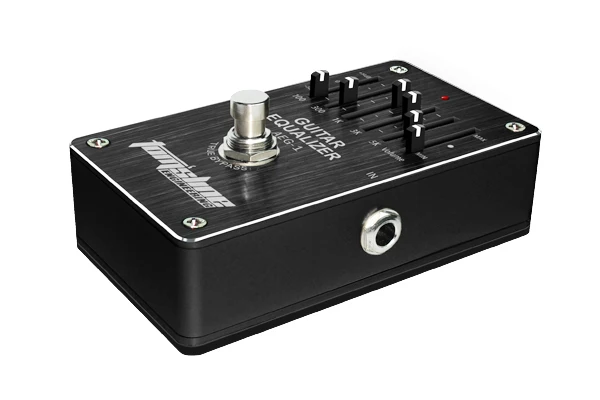

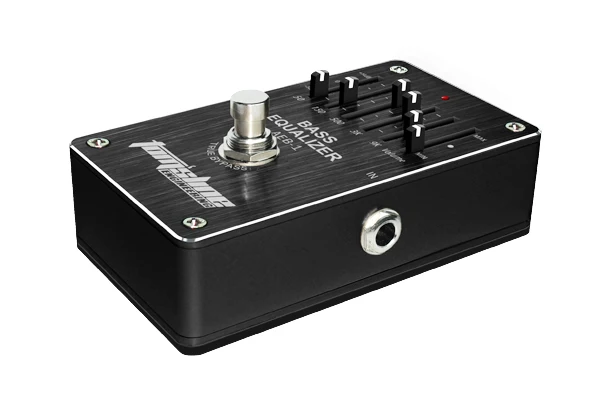
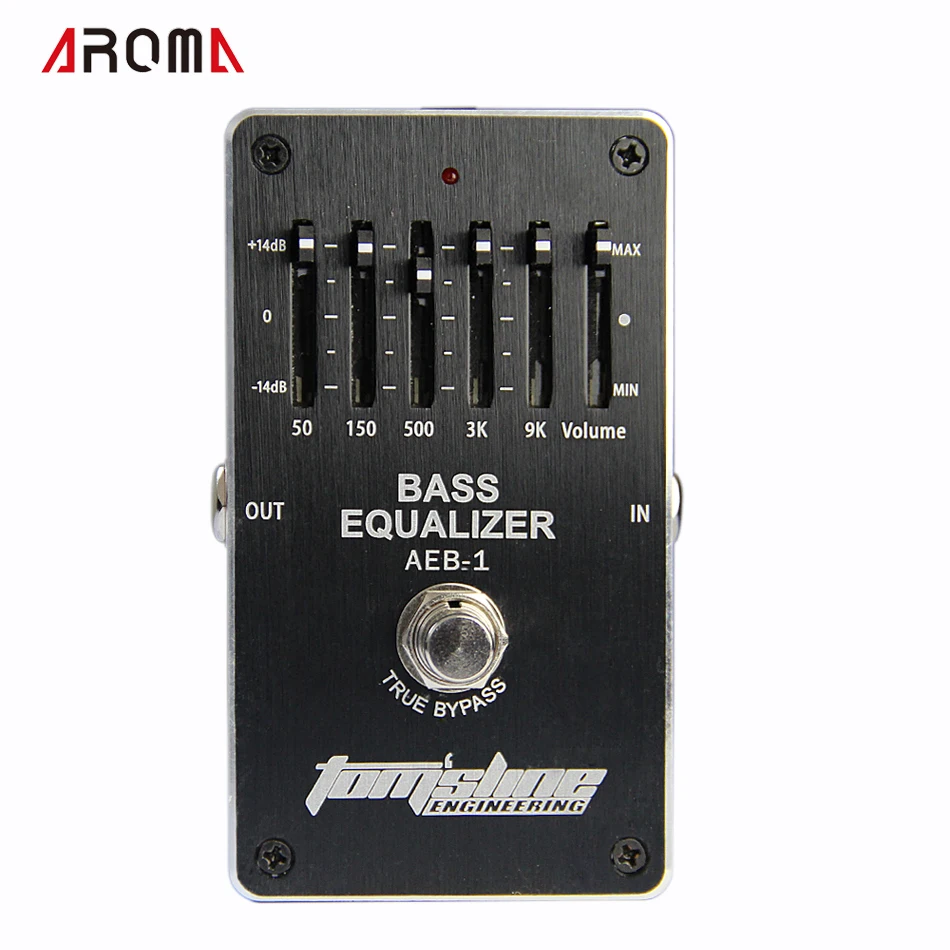
Brand Name: AROMA Model Number: AEB-1 Bass 5-band EQ Type: Effects
start
end
![950]()
![aeProduct.getSubject()]()
![aeProduct.getSubject()]()
Dear buyer, Thank you for shopping in our Bates Music store, before buying, we would give you
some PROMISE!
1. After we sent out the package and make sure you do not get your packages, we will give you all the refund.
Even if the delivery timeout, we can still refund with your paypal account, so you can shop here without worrying about losing money.
2. If the product you got have any problems , please write us an email or leave us a message before you give a dispute or a negative feedback, so we can deal with it as soon as possible and more effective.
Please be assured to shopping in our Bates Music store and enjoy!!!
![aeProduct.getSubject()]()
![aeProduct.getSubject()]() Main Features
Main Features
* 5 bands equalizer pedal for bass. * +-14dB volume control * Low power consumption. * Ultra low noise operation amplifier inside. * The effect pedal is true bypass. When you turn off the pedal, the original sound is perfectly output without any distortion.
Panel Description AC Adapter Jack By using an AC adapter, you can play without being concerned about how much battery power you have left. * Use only the specified AC adapter, and connect it to an AC outlet of te correct voltage. * If the AC adapter is connected while power is ON, the power supply is automatically from the AC adapter. * We recommend that you keep batteries installed in the unit even though you power it with the AC adapter. That way, you will be able to continue a performance even if the cord of the AC adapter gets accidently disconnected from the unit. Equalizer control knobs These 5 pushing knobs control the 5 frequences including 50Hz, 150Hz, 500Hz, 3000Hz and 9000Hz. Each frequency can be adjusted +-14dB. Output jack Connect this jack to your amp or to the input of another effect pedal. Pedal Switch This switch turns the effect ON/OFF. Indicator This indicator shows whether the effect is ON or OFF. When the effect is ON, the indicator lights. * If when you power the pedal with a battery and the indicator goes dim or does not light at all by turning ON the effect, the battery is near exhausted and should be replaced. * The indicator shows only whether the effect is ON or OFF. It does not indicate whether the power to the pedal is ON or not. Volume knob This adjusts volume +-14dB. Input Jack This jack accepts signals from a bass or other musical instruments, or another effect pedals. * The input jack doubles as the power switch. Power to the unit is turned on when you plug into the input jack; the power is turned off when the cable is unplugged. To prevent unnecessary battery consumption, be sure to disconnect the plug from the input jack when not using the effect pedal.
Precautions When Connecting * To prevent malfunction and/or damage to speakers or other devices, always turn down the volume, and turn off the power on all devices before making any connections. * Some connection cables contain resistors. Do not use cables that incorporate resistors for connecting to this pedal. The use of such cables can cause the sound level to be extremely low, or impossible to hear. For information on cable specifications, contact the manufacturer of the cable. * If you will be using the pedal for an extended time, use of an AC adapter is recommended. If you prefer to use a battery, we recommend an alkaline battery. * Raise the amp volume only after turning on the power to all connected devices. * Once the connections have been completed, turn on power to your various devices in the order specified. By turning on devices in the wrong order, you risk causing malfunction and/or damage to speakers and other devices. When powering up: Turn on the power to your guitar amp last. When powering down: Turn off the power to your guitar amp first. * When operating on battery power only, the pedal’s indicator will become dim when battery power gets too low. Replace the battery as soon as possible.
Changing the Battery When the indicator goes dim or no longer lights while the effect is ON, which means that the battery should be replaced. Please replace the battery following the steps below. 1.Press the upper part of battery cover and dig out the cover. 2.Remove the old battery from the battery compartment, and remove the snap cord connected to it. 3.Connect the snap cord to the new battery, and place the battery inside the battery compartment. Be use to carefully observe the battery’s polarity. 4.Put the feet of battery cover into the compartment, and then press the cover upper part and push into the battery compartment. * The life time of battery enclosed in the package box may be limited. However, it's main purpose is only for test.
![aeProduct.getSubject()]()
![aeProduct.getSubject()]()
![aeProduct.getSubject()]()
![HTB1VOumCMmTBuNjy1Xbq6yMrVXaK]()
![HTB1fKCGCL9TBuNjy0Fcq6zeiFXa8]()
![HTB1HaHnCL5TBuNjSspmq6yDRVXaX]()



 Main Features